
Writing a CV is stressful. We know that. You stare at a blank page. You change the font ten times. Then you wonder if the company’s software will even read your file.
So we fixed it.
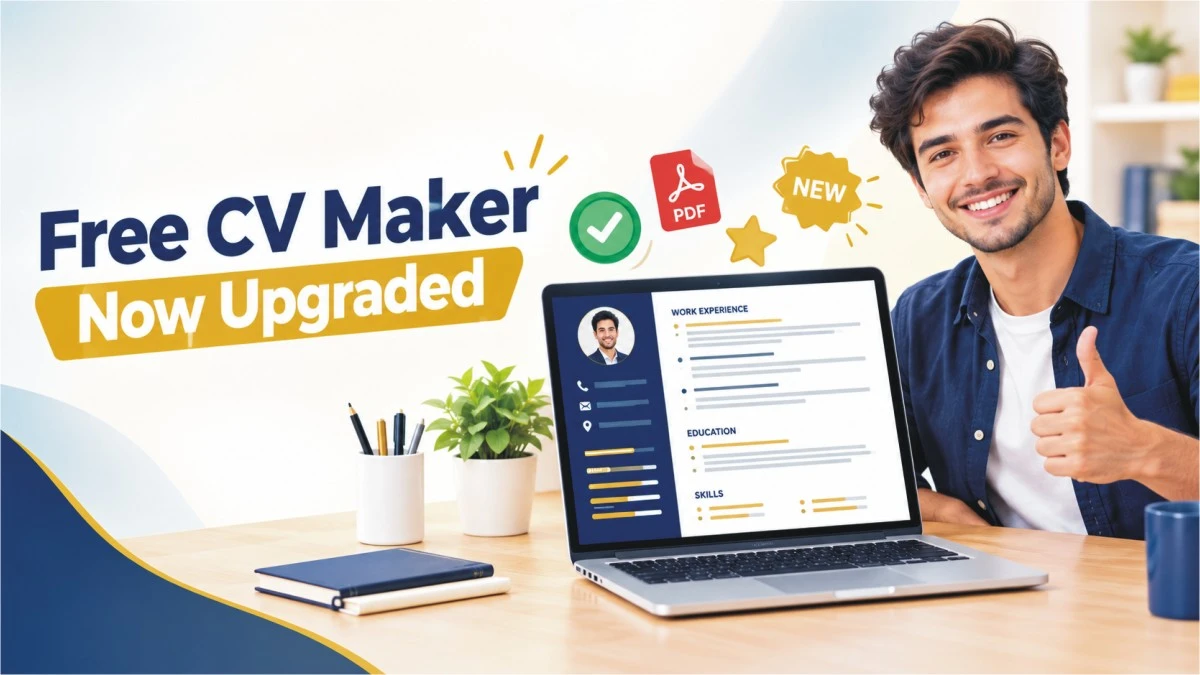
Our free CV maker is back. It is faster, cleaner and much more reliable. Many parts are brand new.
What Is Our Free CV Maker?
It is a simple online tool. You type your details, and your CV appears next to your screen. Then you download it as a PDF. There is no account to create. You don’t need design skills.
If you want a free CV builder for jobs in Europe, this one is for you. It works for farm work, hotels, warehouses, driving, offices and more.
Why We Rebuilt Our Free CV Maker
Some of you told us the tool was not working well. Downloads failed. Some PDFs looked strange. Some data disappeared. Thank you for telling us. We checked everything and fixed it.
This is not a small patch. It is a full update.
What’s New in the Free CV Maker
- A Real ATS-Friendly CV
Many companies use ATS software. It scans your CV before a person sees it. Fancy layouts can confuse it.
Now you can switch on ATS Format with one click. Your CV becomes clean and simple, and your skills and languages are included in the main text.
- A PDF That Software Can Read
Normal downloads turn your CV into a picture. A robot can’t read a picture.
So we added a Print / Text PDF button. It saves your CV with real, selectable text. Use this one when you apply online.
- Better PDF Downloads
We fixed several download problems:
- No more blank second page
- Correct colors and fonts
- A full-height navy sidebar
- Your name in the file name, like CV_John_Doe.pdf
4. Auto-Save
Closed the tab by mistake? No problem.
The tool now saves your work in your browser. Your jobs, education, skills, languages and photo are all kept. You can start again any time with the Reset button.
- Works on Your Phone
Many people write their CV on a mobile. Now the preview shrinks to fit your screen, so you can edit and check your CV anywhere.
- Smarter Photo Upload
Big photos used to slow things down. Now the tool resizes your photo for you. Your CV stays light and sharp.
- A Quick Bio Starter
Not sure what to write in your profile? Click the bio button. Type your job title first, like “farm worker” or “driver”. You will get a starter text you can edit.
Bug Fixes in the Free CV Maker
Here is the short list:
- Special characters no longer break your CV
- Long emails no longer run off the page
- Dates look clean, like “16 October 2026”
- Empty sections are hidden
- Buttons work again on more websites and themes
- Better spacing in all form boxes
How to Make Your CV in 5 Simple Steps
- Open the free CV maker.
- Add your name, contact details and photo.
- Fill in your work history, education, skills and languages.
- Pick the normal design or turn on ATS Format.
- Download your PDF and apply.
Which Button Should You Use?
Use Download PDF if you want a nice design to email to an employer.
Use Print / Text PDF if you apply through an online form or job portal. Turn on ATS Format first.
Is the Free CV Maker Really Free?
Yes. You can build and download your CV without paying.
Your data also stays in your own browser. We don’t need you to sign up.
Quick FAQ
Can I use the free CV maker on my phone?
Yes. The preview now fits small screens.
What is an ATS-friendly CV?
It is a CV that hiring software can read easily. It has simple layout and real text.
Can I edit my CV later?
Yes. Your details are saved in your browser. Just open the tool again.
Which file format do I get?
You get a PDF.
Build Your CV → FREE CV MAKER
Try the Free CV Maker Today
A good CV can change your week. Sometimes it can change your year.
Open the tool. Fill in your details. Download your CV in minutes.
Ready to start? Use our free CV maker now and send your first application today.

Having 16 years of experience about Immigration, Visit Visa, Work Visa, Study Visa and Careers in Europe. We keep our eyes open and bring the latest and accurate content for our readers.